




How to video: Create your own drill template
Fitting handles to brand-new doors, or adding them to a run of cupboards that have no holes yet? A simple homemade template puts every handle in exactly the same place — quickly, and without measuring each door twice.
If you've more than a couple of handles to mount, a template earns its keep in minutes. Instead of measuring and marking every door from scratch — where a millimetre of drift shows up the moment the doors line up — you set the position once, then repeat it perfectly on every cabinet. Below you can both watch and read the guide.
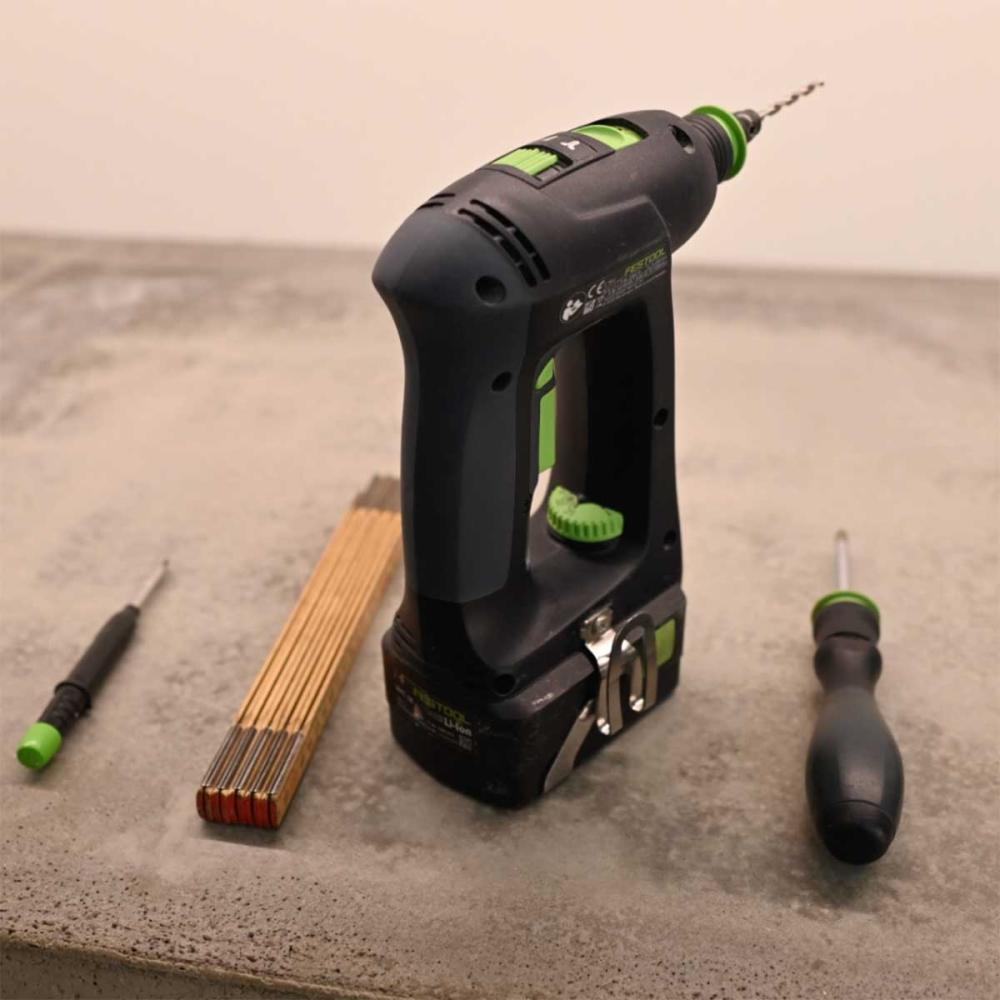
- A pencil
- A folding rule or tape measure (millimetres)
- A power drill
- A screwdriver
- Your handles & their mounting screws
- Sturdy cardboard (or a thin plywood/MDF offcut)
- A couple of wooden battens or sticks
- A few wood screws
Use leftovers from the renovation, or whatever you already have at home.
The idea: set the spacing and the position once
A handle's two screws sit a fixed distance apart — its CC size (centre-to-centre). The common sizes are 64, 96, 128 and 160 mm, because cabinets are built on the 32 mm system (64 = 2×32, 96 = 3×32, and so on). A knob has a single screw, so there's nothing to space.
A template captures two things at once: that hole spacing and the position on the door — how far in from the edge, how high or low. Get it right on one door, transfer it to the template, and every other door is identical without measuring again.
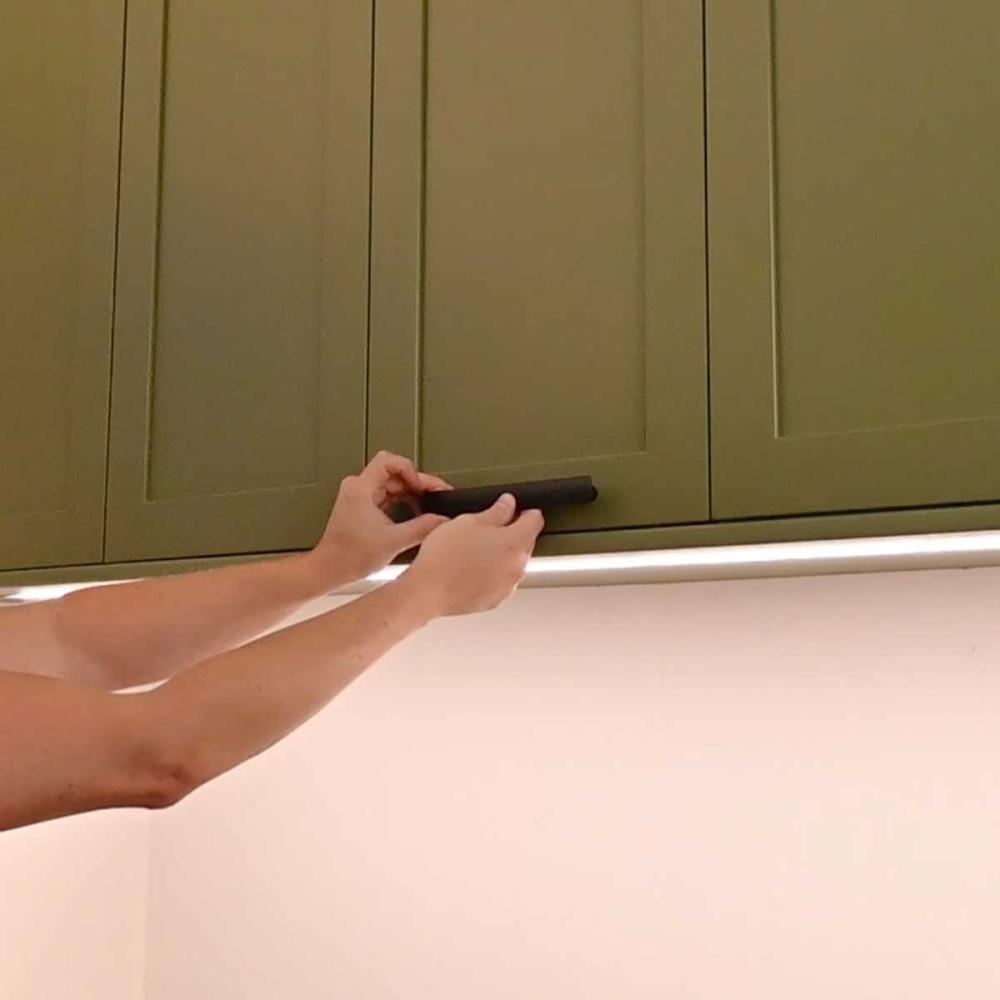
1Decide the handle placement
Placement is a matter of taste, so start there. Hold a handle against a door or drawer and move it around to see what looks and feels right. As a rule of thumb: drawer pulls sit centred left-to-right (knobs in the middle; a wide drawer can take two); door handles go on the leading edge — the side opposite the hinge — a consistent distance from the corner.
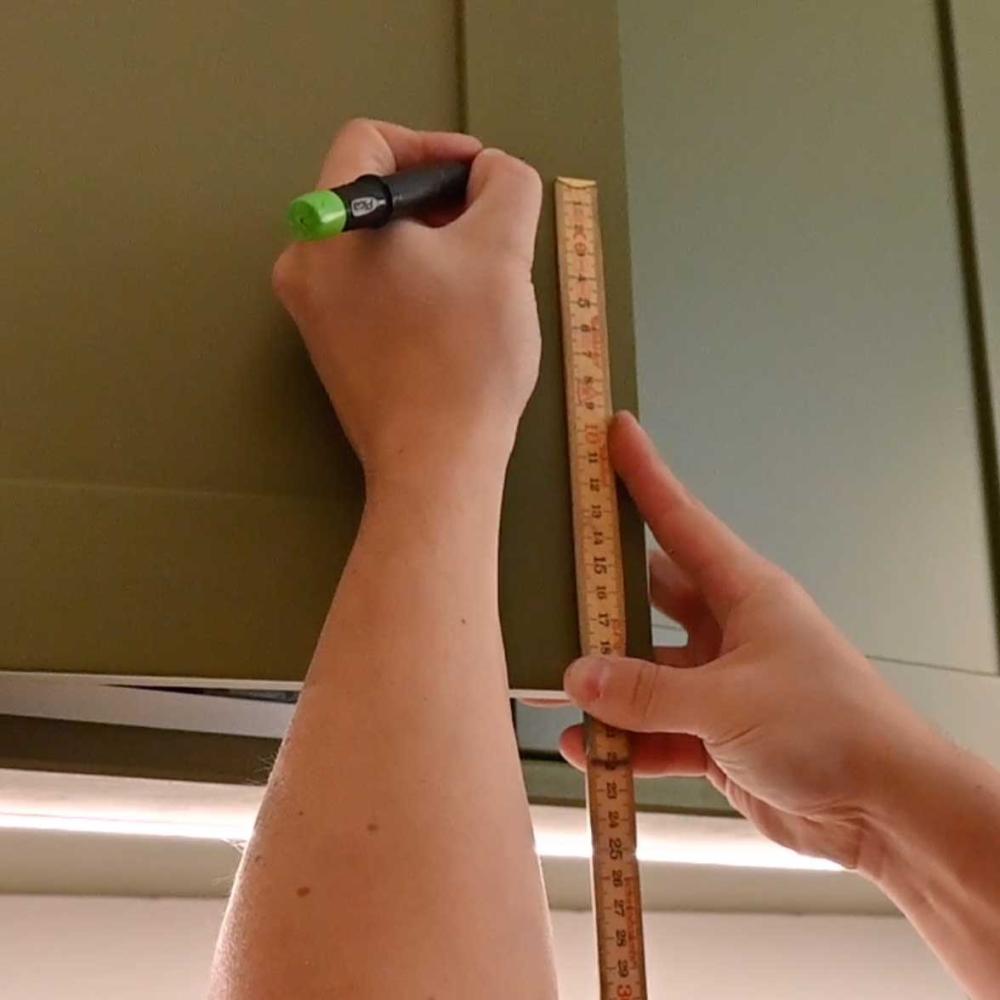
3Mark where to drill
On your first door, mark the two hole centres — at your handle's CC spacing and in the position you chose in Step 1. For a knob, that's a single mark. Measure twice; a pencil mark costs nothing to redo, a drilled hole doesn't.
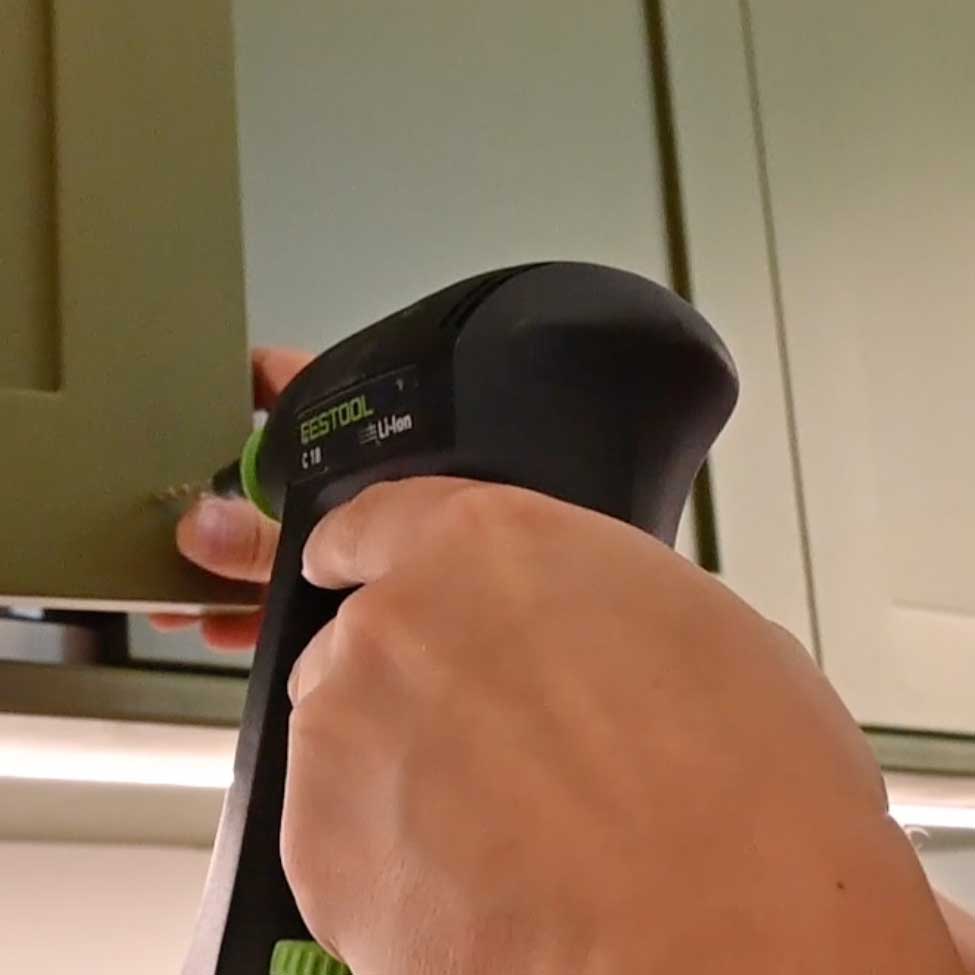
4Drill the first door
Drill straight through the marks. Drill from the front (the visible face) with a scrap board clamped behind the door — the backing stops the bit from blowing out a ragged hole as it exits. A brad-point bit gives the cleanest start.
5Transfer the holes to the template
Now drop the template into place against that first, drilled door and drill through it — using the holes you just made as guides. The template now carries the exact hole positions. Mark the top (or write "this way up") so you never flip it by mistake.
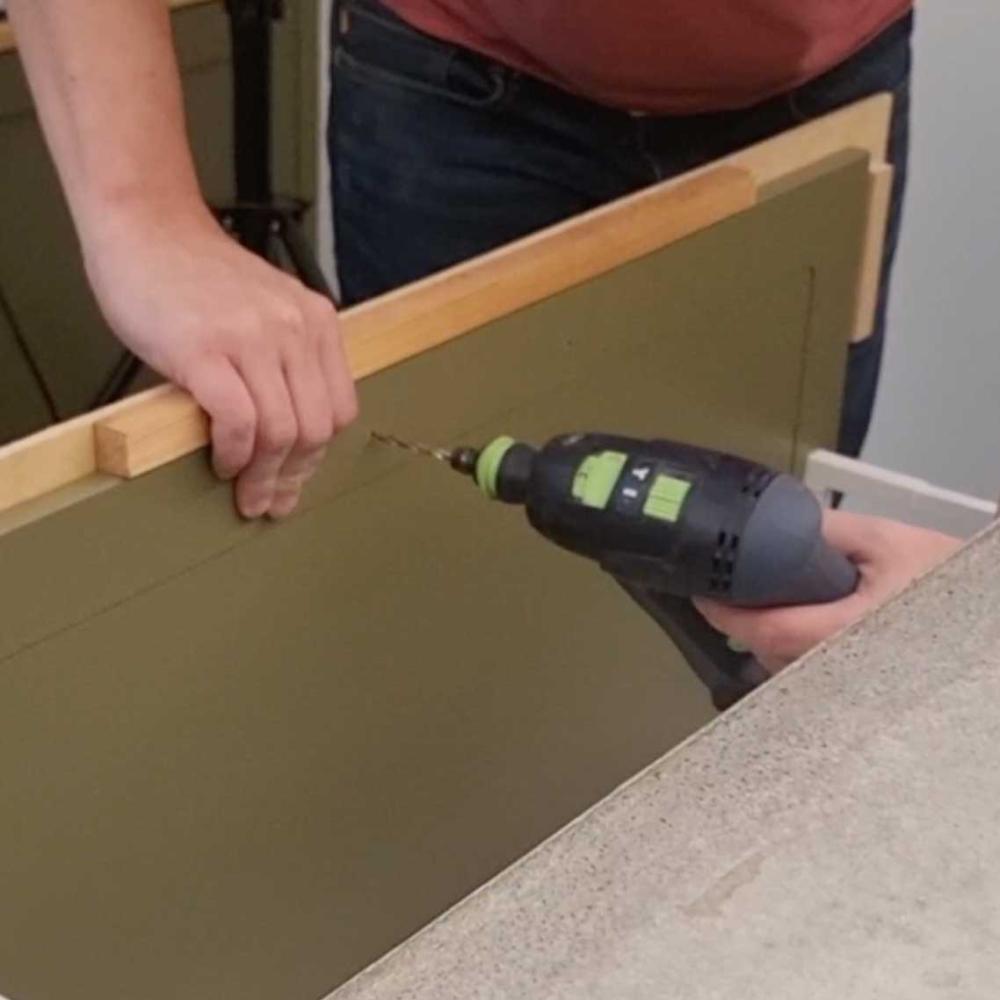
6Repeat on every door, then mount
Seat the template in the same corner of each remaining door, drill through its holes, and move on. Every handle lands in exactly the same spot. When all the holes are done, screw the handles on — the M4 machine screws supplied with our handles fit doors of 16–19 mm; for thicker doors, just ask and we'll include longer screws.
That's it — a whole kitchen's worth of perfectly aligned handles, from one template you made in minutes.
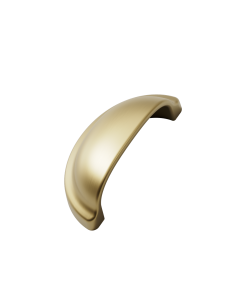
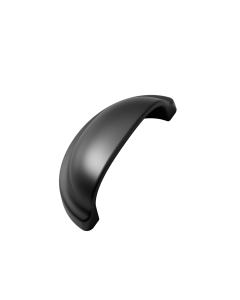
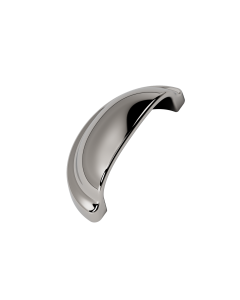
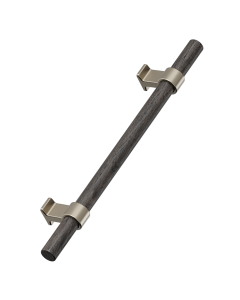
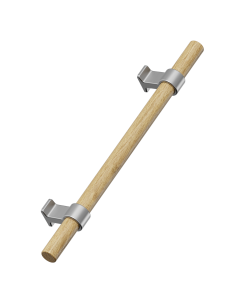
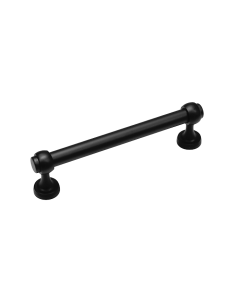
Ready to choose yours? Here are a few of our most popular handles to start you off.
A few last tips
Test on an offcut first. One practice hole in a scrap of the same board confirms your bit size and that there's no tear-out before you touch a real door.
Keep the template. Label it with the CC size and position and store it flat — next time you refresh a room, the hard part is already done.
Pick the handles first. The template is built around your handle's CC size, so choose your hardware before you start. Browse the full range of handles and knobs to find the look you're after.